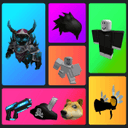
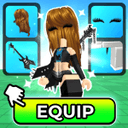
Find an outfit you love. Export it to Studio. Build something that's yours. Your outfits, games, and little ideas belong here.

From game to Studio. Free forever.
Making something bigger? Developer API · Coming Nov 2026
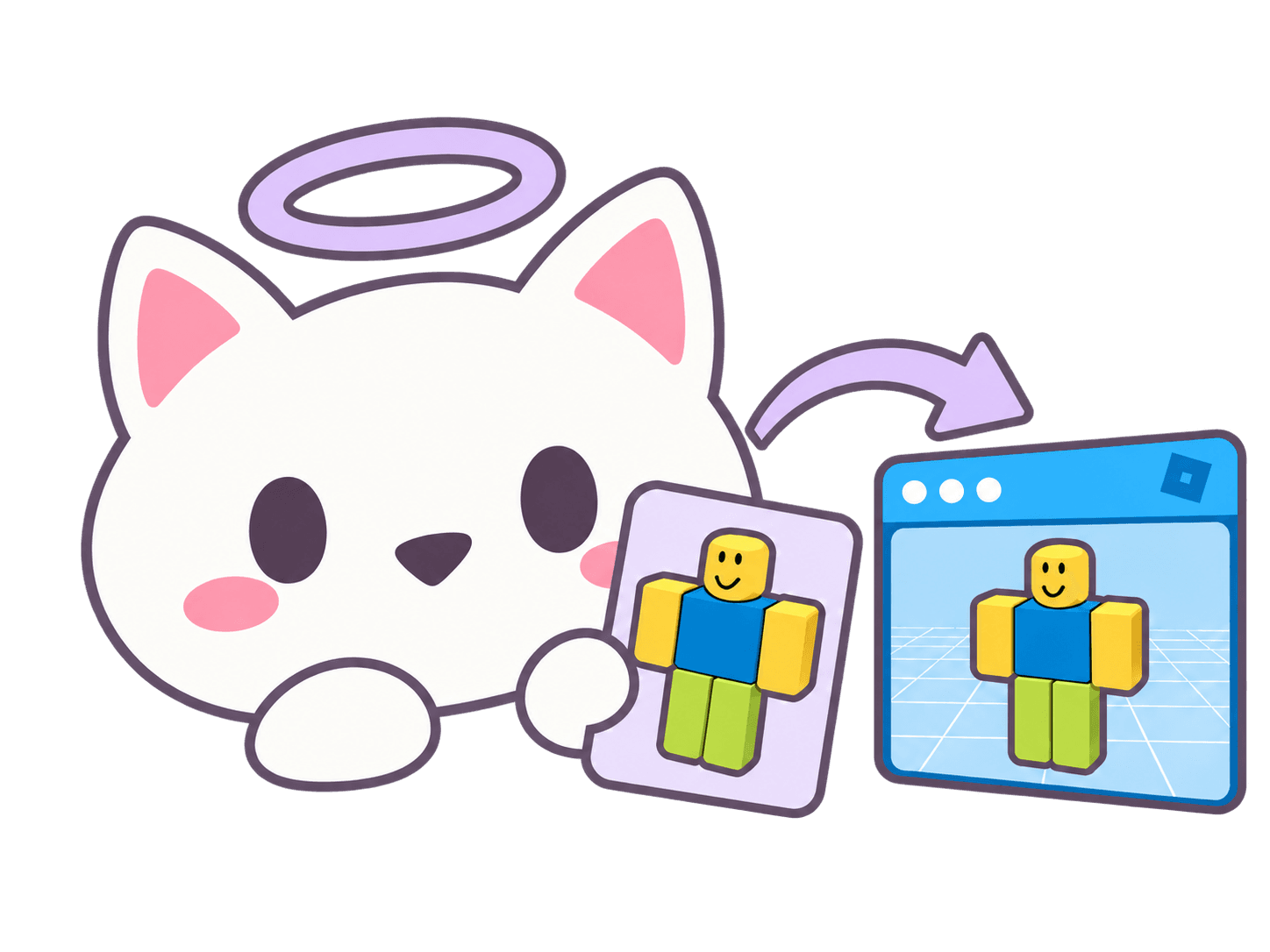
mewsy's angel cat exporting a classic Roblox Noob outfit to Studio
Community outfits
Outfits saved globally

Made by the community. Ready for your next idea.

Discover an outfit, make it yours, and bring it into Studio.
Explore the collection

Find your next favorite

Create, discover, and try on outfits.

From outfit to Studio

Always free, directly from the game.

Make it your own

Developer API · Coming November 2026

TWO WAYS TO MAKE IT YOURS

From your next outfit.
To your next creation.

Bring outfits straight from the game into Studio, with our free plugin. Developer API access is coming November 2026.

ALWAYS FREE

Play it. Wear it. Export it.

Found your next outfit in 🛍️ mewsy outfit catalog? Pair the Studio plugin with the /studio command, then bring it straight into your project.

  • Export your currently worn avatar straight into Studio.
  • Select multiple outfits from Saved Outfits and choose Export to Studio to bring them over together.
  • Bring over community outfits you discover in mewsy.
  • Export user outfits loaded in the game.
  • No subscription, paid unlocks, or monthly export allowance.

Always free to use. During high demand, exports may take longer or be temporarily limited to keep the service available for everyone.

Export from the game
FOR DEVELOPERS

Your tools. Your possibilities.

Coming November 2026: outfit data for the tools and experiences you’re building.

  • Create your own outfit import tools and workflows.
  • Bring outfit data into your own outfit or catalog game.
  • Add quick avatar customization to experiences like emote-sync games.
  • Look up public outfits by code and get structured JSON data.
  • Process up to 50 outfit codes per batch for larger collections.

For your own integrations. Developer access is separate from the game and plugin. You won’t need it to use free in-game exports to Studio.

Coming November 2026
01 / BUILT FOR YOUR WORKFLOW

Your account.
Your next creation.

Discover outfits in mewsy, pair the free Studio plugin, and bring your favorites into your next project.

Get the Studio plugin
01

Connect your Roblox account

Use your Roblox account to sign in to your mewsy dashboard.

02

Pair the Studio plugin

Open the plugin and use /studio CODE in the game to pair it.

03

Make it your own

Export your worn avatar or select saved outfits to bring into Studio. In-game exports are always free.

Your first API callOne outfit code. Ready-to-use data.
EXAMPLE
GET/api/v1/outfits/E
outfit.mjsSERVER SIDE
// Run on your server with Node.js.const { API_URL, API_KEY } = process.env;const response = await fetch(  `${API_URL}/api/v1/outfits/E`, {    headers: { Authorization: `Bearer ${API_KEY}` }  });if (!response.ok) throw new Error(`HTTP ${response.status}`);const { data } = await response.json();

Set API_URL and API_KEY in your server environment. Developer access

Example response200 OK JSON

“katara” · R15 · Code E

{
  "status": "active",
  "data": {
    "Id": "01a0cb8b-e995-7431-a463-27b4e10fd0eb",
    "Code": "E",
    "Type": "solo",
    "Name": "katara",
    "RigType": "R15",
    "Creator": 851562265,
    "Created": 1790121339,
    "Updated": 1790121339,
    "Gender": "neutral",
    "WearCount": 0,
    "FavoriteCount": 0,
    "Price": 417,
    "OutfitInfo": {
      "WalkAnimation": 0,
      "Accessories": [
        {
          "Rotation": [
            0,
            0,
            0
          ],
          "AssetId": 9581712148,
          "AccessoryType": "Hair",
          "Position": [
            0,
            0,
            0
          ],
          "Scale": [
            1,
            1,
            1
          ],
          "IsLayered": true,
          "Puffiness": 1,
          "Order": 11
        },
        {
          "Rotation": [
            0,
            0,
            0
          ],
          "AssetId": 9186326408,
          "Position": [
            0,
            0,
            0
          ],
          "Scale": [
            1,
            1,
            1
          ],
          "IsLayered": false,
          "AccessoryType": "Face"
        },
        {
          "Rotation": [
            0,
            0,
            0
          ],
          "AssetId": 9241883361,
          "Position": [
            0,
            0,
            0
          ],
          "Scale": [
            1,
            1,
            1
          ],
          "IsLayered": false,
          "AccessoryType": "Hat"
        },
        {
          "Rotation": [
            0,
            0,
            0
          ],
          "AssetId": 8941771253,
          "Position": [
            0,
            0,
            0
          ],
          "Scale": [
            1,
            1,
            1
          ],
          "IsLayered": false,
          "AccessoryType": "Back"
        }
      ],
      "DepthScale": 0.8500000238418579,
      "RightLegColor": {
        "r": 234,
        "IsRGBTable": true,
        "g": 184,
        "b": 146
      },
      "MoodAnimation": 11573370910,
      "Torso": 86499666,
      "WidthScale": 0.7,
      "ClimbAnimation": 0,
      "BodyTypeScale": 0,
      "RunAnimation": 0,
      "Shirt": 4519258385,
      "SwimAnimation": 0,
      "GraphicTShirt": 0,
      "RightArmColor": {
        "r": 234,
        "IsRGBTable": true,
        "g": 184,
        "b": 146
      },
      "Pants": 4519257872,
      "FallAnimation": 0,
      "ProportionScale": 0,
      "RightArm": 86499698,
      "LeftArmColor": {
        "r": 234,
        "IsRGBTable": true,
        "g": 184,
        "b": 146
      },
      "Head": 15093053680,
      "Face": 0,
      "Makeup": [],
      "LeftLegColor": {
        "r": 234,
        "IsRGBTable": true,
        "g": 184,
        "b": 146
      },
      "JumpAnimation": 0,
      "HeadColor": {
        "r": 234,
        "IsRGBTable": true,
        "g": 184,
        "b": 146
      },
      "TorsoColor": {
        "r": 234,
        "IsRGBTable": true,
        "g": 184,
        "b": 146
      },
      "IdleAnimation": 2510235063,
      "RightLeg": 0,
      "HeadScale": 0.95,
      "HeightScale": 0.9,
      "LeftArm": 86499716,
      "LeftLeg": 0
    }
  }
}
Developer API · Coming November 2026
02 / YOUR NEXT BUILD STARTS HERE

Less setup.
More possibility.

From a single outfit to your next creator tool. The pieces you need, already connected.

One outfit. Or your favorites.

Select multiple outfits from Saved Outfits in the game and choose Export to Studio. Bring your favorites into your project together.

ABC12D7XY+47
Ready for your next ideaSaved outfits · Ready for Studio
Export saved outfits

From game to Roblox Studio.

Pair the plugin with /studio CODE, then export your worn avatar directly from the game for free.

Meet the Studio bridge

Your account. Your workspace.

Sign in with your Roblox account to access your mewsy dashboard and manage your account.

Built to respect the limits.

In-game exports stay free. During busy periods, exports may queue or slow down to keep the service available.

Find what’s next.

Discover community outfits in the game, save your favorites, and find a look for your next creation.

YOUR OUTFITS, FROM GAME TO STUDIO

One catalog.
Connected possibilities.

🛍️ mewsy outfit catalog is our Roblox experience for creating and discovering your next outfit. This is its official home for outfit data, and free exports through the Studio plugin. Developer API access is coming November 2026.

Create and discover outfits Export saved outfits together Outfit-to-Studio workflows

Connect directly to our game’s public outfit catalog. Outfit codes from other experiences are separate and are not interchangeable.

OUR ROBLOX GAME
Official game integration

🛍️ mewsy outfit catalog

Discover your next outfit. Build something around it.

View on Roblox
03 / PICK YOUR WORKFLOW

Great outfits in-game.
Ready for your next Studio project.

Create and discover outfits in our Roblox game, then bring them into Studio with the free mewsy plugin.

Scroll horizontally to explore all games

mewsy feature comparison with three Roblox avatar experiences and the broader outfit-game category.
THE DETAILS
AT A GLANCE
mewsyGame + free Studio pluginYOU’RE HERE
Catalog Avatar Creator game iconCatalog Avatar CreatorBy Muneeb 🛍️ My Avatar! game icon🛍️ My Avatar!By THINK DIFFERENT. Avatar Studio ❤️ game iconAvatar Studio ❤️By Envy Game Studios
Outfit GamesGeneral category
Made forCreating outfits, discovering looks & free Studio exportsAvatar creation & discoveryAvatar building & shoppingOutfit editing & discoveryTrying on curated in-game avatars
Export outfits
  • Currently worn avatar
  • Saved outfits
  • Community outfits
  • User outfits
  • Not supported
  • Reported unofficial workarounds
Not supportedNot supportedNot supported
Outfit-to-Studio workflowFree in-game exports to Studio
  • Not supported
  • Reported unofficial workarounds
Not supportedNot supportedNot supported
View & copy asset / bundle IDsSupportedNot supportedNot supportedNot supportedNot supported
Developer APIComing November 2026Not supportedNot supportedNot supportedNot supported
Studio export costAlways free. No subscription or paid unlocks.Varies by unofficial tool; free options existNot supportedNot supportedNot supported

Features may change and vary by game. Game names and icons belong to their respective creators. mewsy is not affiliated with the other games listed.

THE PEOPLE BEHIND THE BUILDS

Made for creators.
Shaped by your ideas.

SAMPLE TESTIMONIALS

Temporary quote while we collect creator feedback.

“I could spend hours putting outfits together. It’s nice having somewhere new to share them.”
Your idea could be the next story.Build something with us
FAQ

Got a question?

Need a hand getting the plugin set up?

Read the setup guide
Is exporting to Studio actually free?

Yep. You don’t need a subscription, and there’s no monthly export allowance. During high demand, exports may take longer or be temporarily limited to keep the service available for everyone.

How do I connect the plugin?

Open the mewsy plugin in Studio and join our Roblox game. The plugin gives you a code. Type /studio CODE in the game, replacing CODE with your plugin’s code, to pair them. Then you can send your worn avatar to Studio.

Can I send more than one outfit?

Yes. Open Saved Outfits in the game, select the ones you want, and choose Export to Studio. Make sure your plugin is paired first.

Can I use my CAC outfit codes?

CAC codes won’t work directly in mewsy. If you want to bring your own published outfits from CAC to mewsy, head to Transfer to request an import. You only need your Roblox username and confirmation that you’re submitting for yourself.

Do I need the API for any of this?

No. The game and Studio plugin work without it. The developer API is coming November 2026 for people who want to build their own tools with mewsy outfit data.

BUILT FOR YOUR NEXT “WHAT IF?”

Your next creation.
Ready to make it yours.

Find your next outfit in the game. Bring it to Studio for free.
Free in-game exports · Developer API · Coming November 2026
mewsy cat holding a Roblox outfit card